Table of Contents
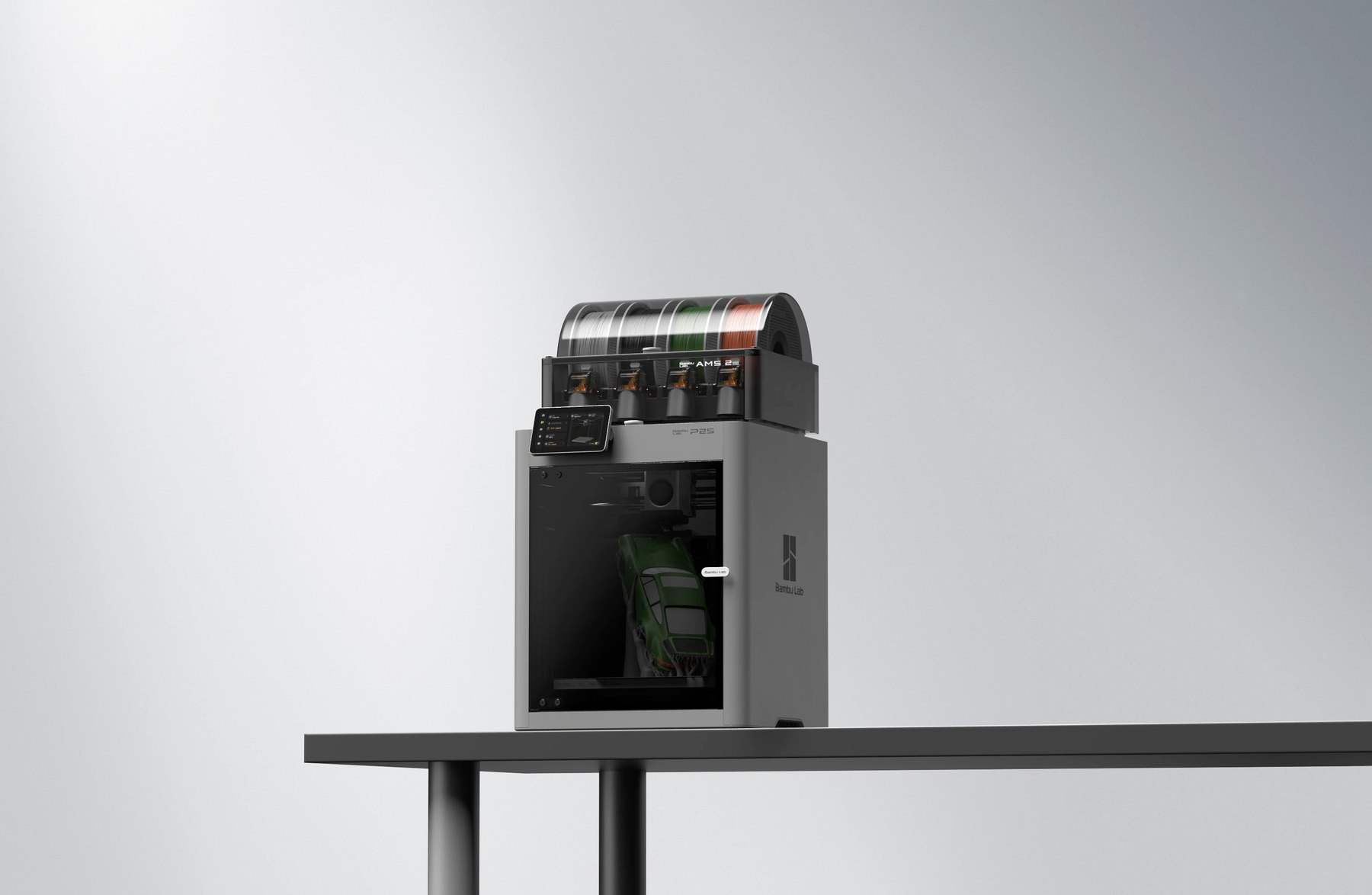
This is the first review in a new corner of Board ‘N’ Bones: the tech that board gamers actually end up buying. 3D printers, laser cutters, cameras for filming your table, the lot. Starting with the printer that’s been running in my house almost every day for months, the Bambu Lab P2S Combo with AMS 2 Pro.
Quick verdict
I paid £599 for the P2S Combo with the AMS 2 Pro while it was on sale. Print quality and ease of use are excellent, genuinely some of the best results I’ve had without needing to become an expert. My real complaints are the AMS: multicolour prints take a lot longer, and the amount of filament wasted purging colour changes is hard to ignore.
What’s good
- Excellent print quality straight out of the box, even on the standard 0.4mm nozzle
- Genuinely easy to operate, automatic calibration and very little tinkering needed
- The AMS 2 Pro makes proper multicolour prints possible without babysitting the machine
- Quick-change hotend system for swapping nozzles
- I’ve used it constantly for months, not a novelty that got forgotten about
What’s not
- Multicolour prints take dramatically longer because of repeated filament changes
- A lot of wasted filament (“poop”) every time it purges a colour change
- A handful of unexplained failed prints
- The phone app is good for browsing and starting prints, but limited for anything more advanced
- Designing your own models still means learning proper CAD software
What I’ve actually printed
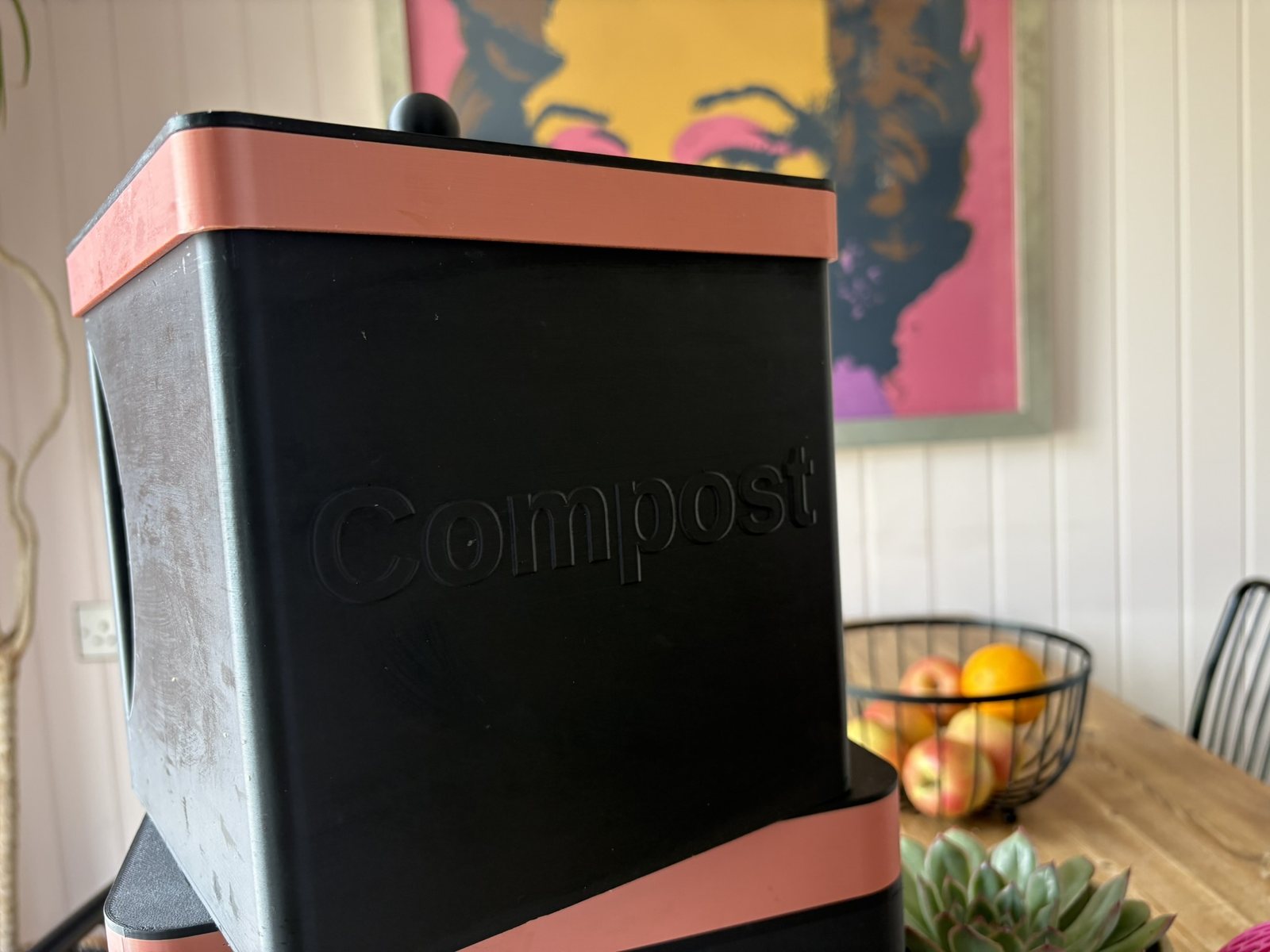
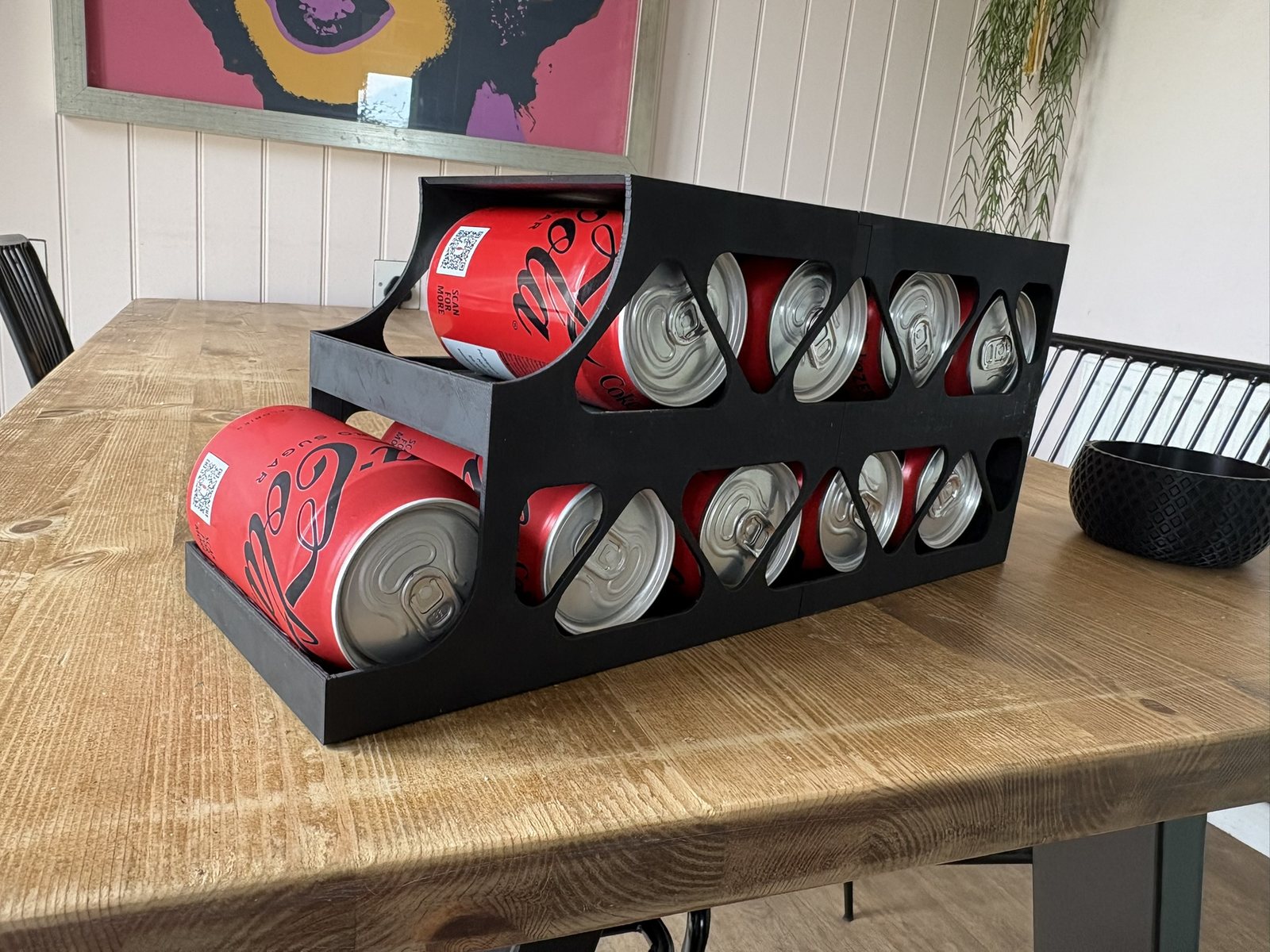
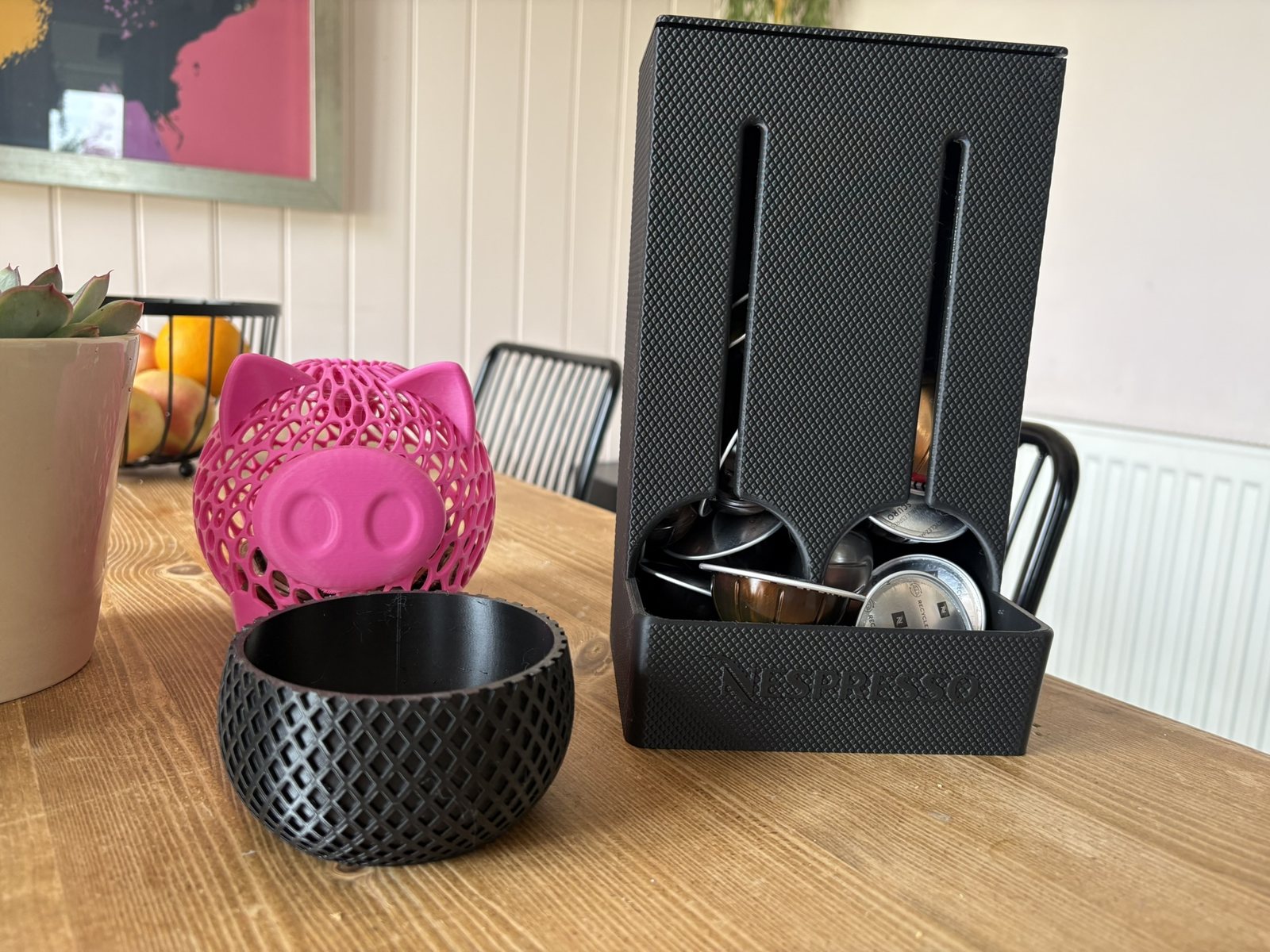
I’ve printed a huge variety of things. Practical stuff includes a riser for our Nespresso machine, a compost bin for the kitchen, cup stands, cupboard organisers, a holder for Nespresso pods and another bin for the empty pods, drinks carriers, catch-all trays, boxes and lots of different storage bins, and a can dispenser for the fridge.
I’ve also printed things specifically to solve little problems. One example was a rig to hold my phone in the right position so I could photograph cards properly.
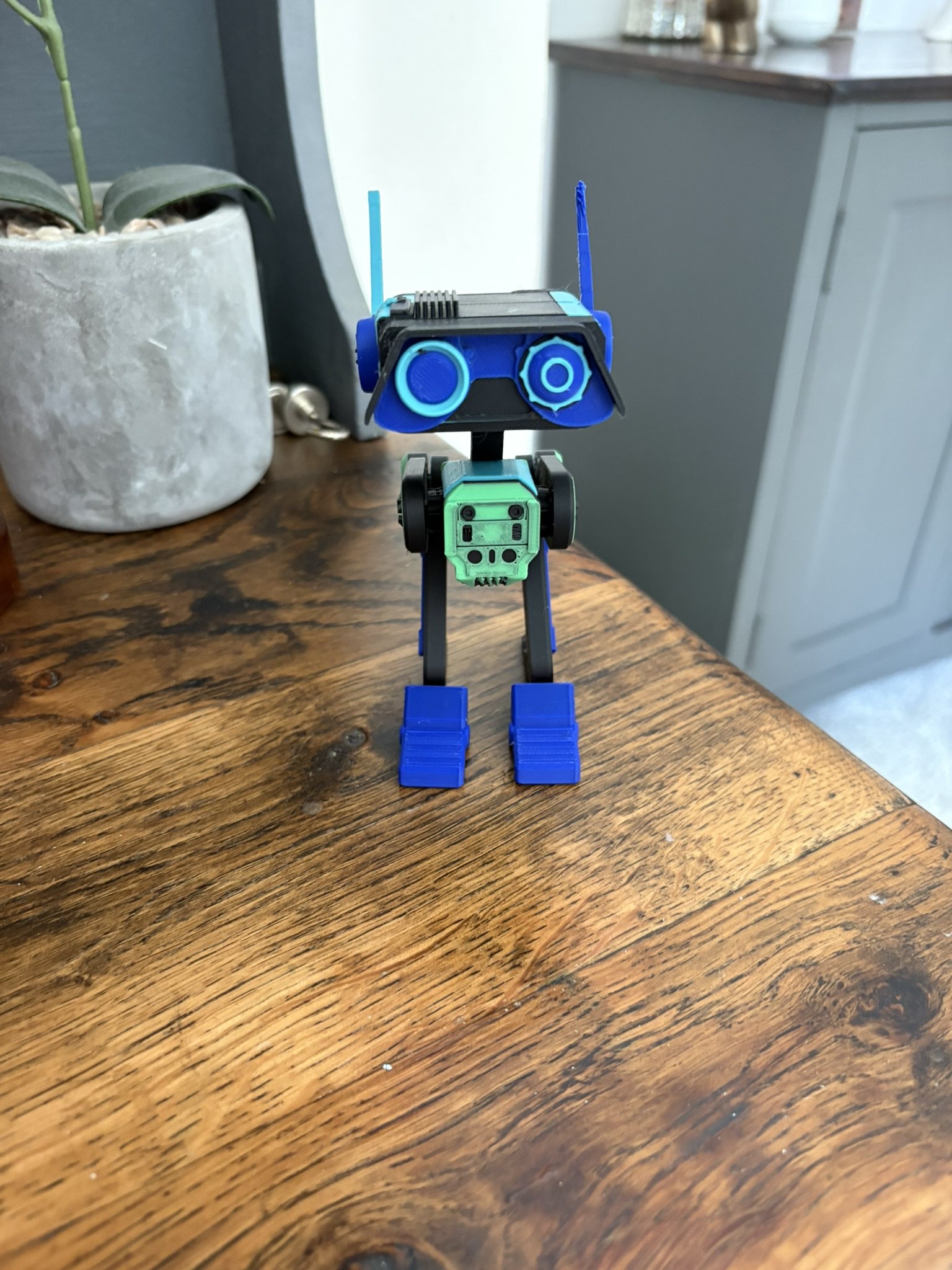
Then there’s all the fun stuff. I’ve printed spinning flying toys, little articulated dragons and octopuses for the kids, Father’s Day presents, an Iron Man USB holder and toy guns that use elastic bands to fire little printed bullets.
I also printed a complete copy of One Night Ultimate Werewolf. We own the game, but some of the original cards have marks on the backs, which isn’t ideal for a hidden-role game because people can potentially recognise them. Being able to print a usable set means we don’t have to damage the proper copy any further.
That’s still nowhere near everything I’ve made. For me, that’s probably one of the most important things about the P2S. After a while you stop thinking, “What can I 3D print?” and start thinking, “I need something to do this job, I wonder if I can print one?”
Ease of use
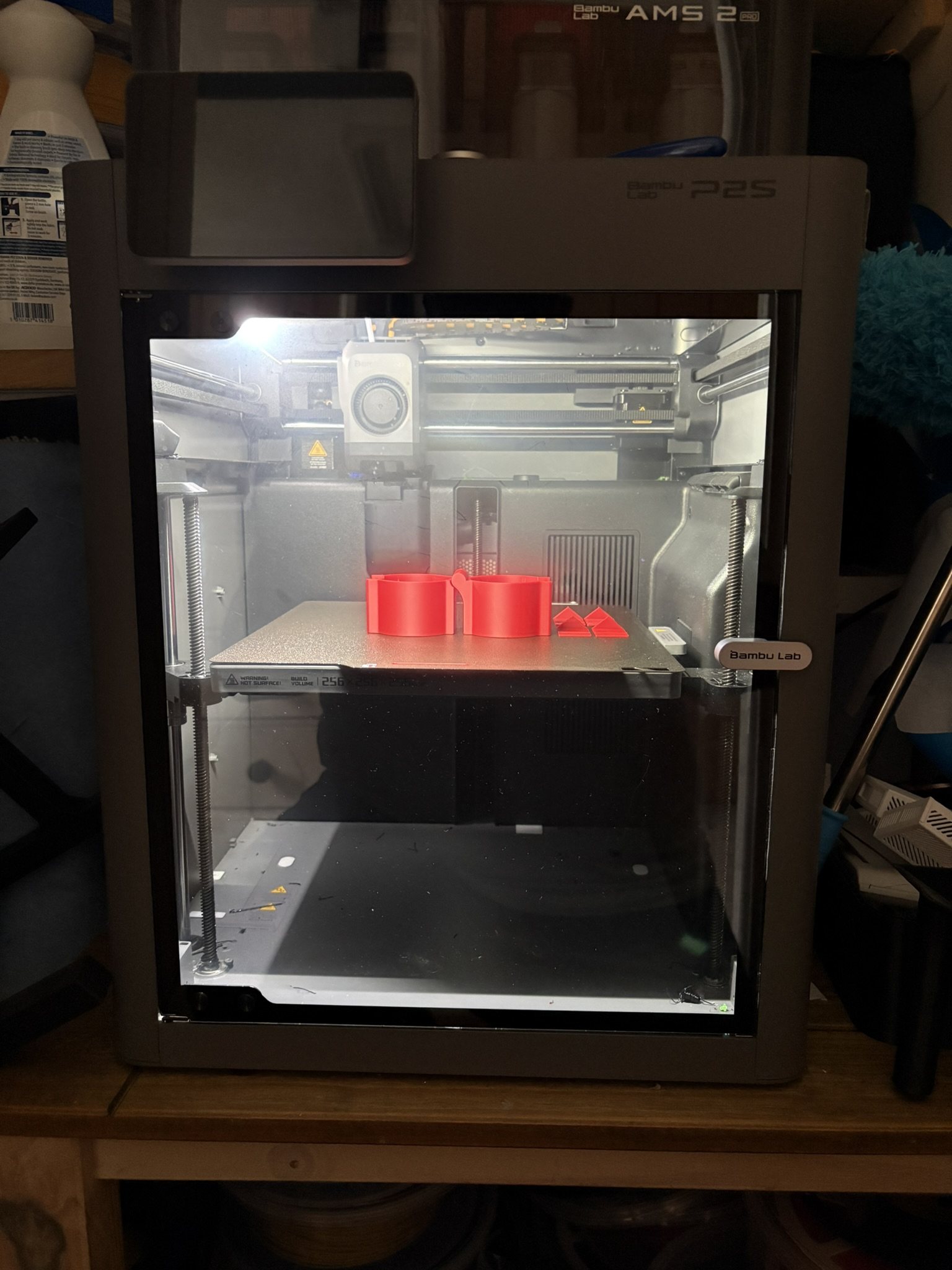
The actual printer is incredibly easy to use. That’s probably one of the things that has impressed me most. I’m getting extremely good results without feeling as though I’ve had to become an expert in operating a 3D printer.
Print quality has been excellent using the standard 0.4mm nozzle. In fact, I bought a 0.2mm hotend because I thought I’d want it for really detailed prints, but I still haven’t actually used it because I’ve been so impressed with what the normal 0.4mm nozzle produces.
The P2S has a quick-change hotend system, so when I eventually do want to try the 0.2mm nozzle it should be a very simple swap rather than a major job.
The AMS 2 Pro
I love the AMS 2 Pro. Being able to have several different filaments loaded and let the machine switch between them automatically completely changes what you can make.
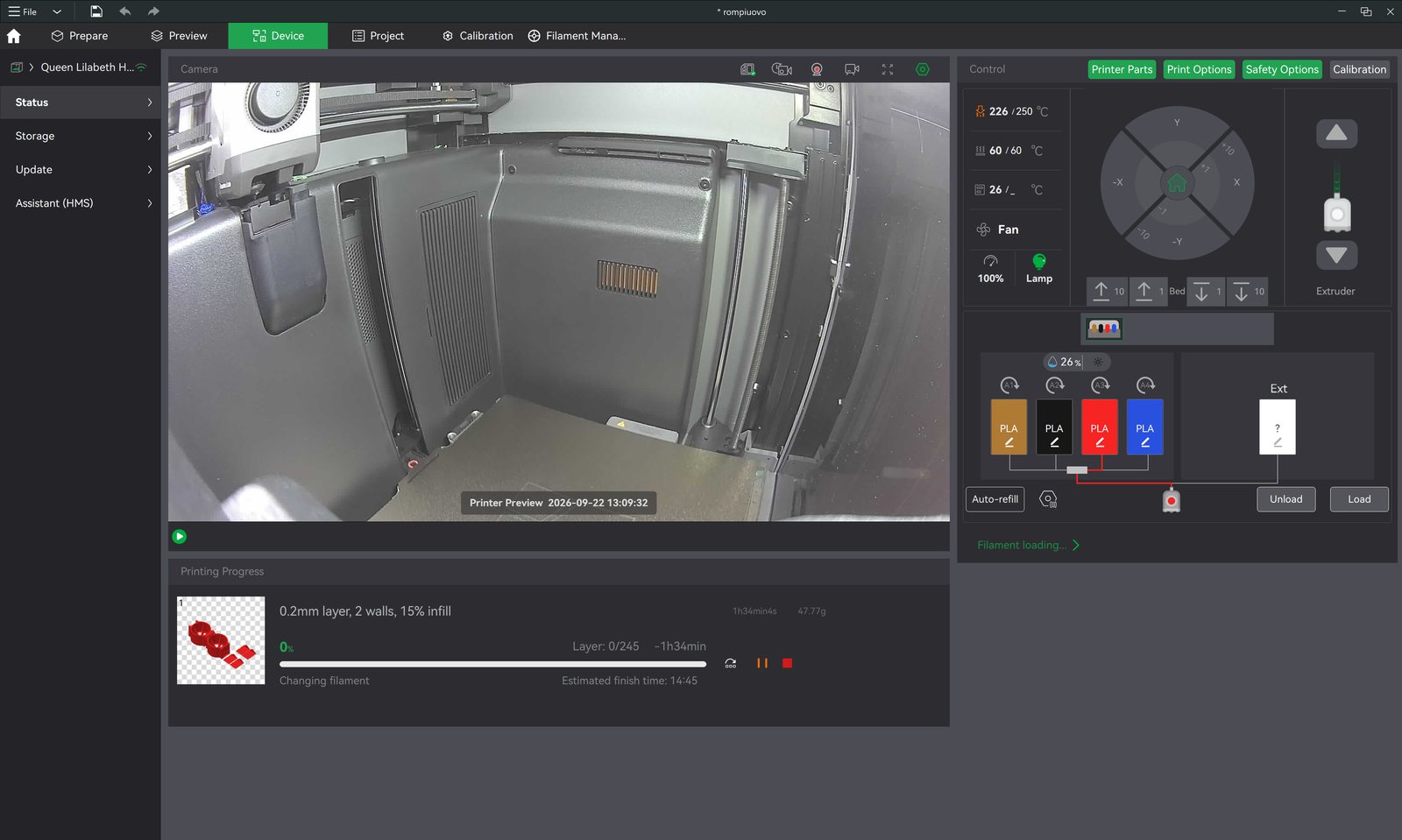
It’s particularly impressive when you first start producing proper multicolour models. Load the colours, tell it which filament corresponds with which part of the model, and let the machine handle it.
But the AMS also produces my two biggest complaints about the printer.
The first is time. A multicolour print can take dramatically longer than the same object printed in a single colour, because the machine has to keep changing filament. If a model uses colours in lots of different places or on lots of layers, the printer can end up making an enormous number of filament changes.
I’d really like to see a more efficient way of dealing with that. Sometimes you look at the actual amount of printing taking place and then at the total print time, and realise how much of that time is being spent changing colours rather than making the object.
The waste
My other big complaint is the amount of wasted filament. Every time it changes colour it needs to get the previous colour out of the nozzle before continuing, which means purging filament. And it can produce a lot of waste.
Bambu owners rather appropriately call the discarded pieces “poop”, and one of the things I’ve actually printed for the printer is a poop bin that loops around the back to catch it.
It’s probably my biggest criticism of the printer. I’d really like to see Bambu find a better way of using the colours already in the system so there aren’t so many changes and so much perfectly good filament being thrown away.
Print failures
It hasn’t been completely faultless. I’ve had several prints fail, although I suspect at least some of these were user error rather than the printer itself.
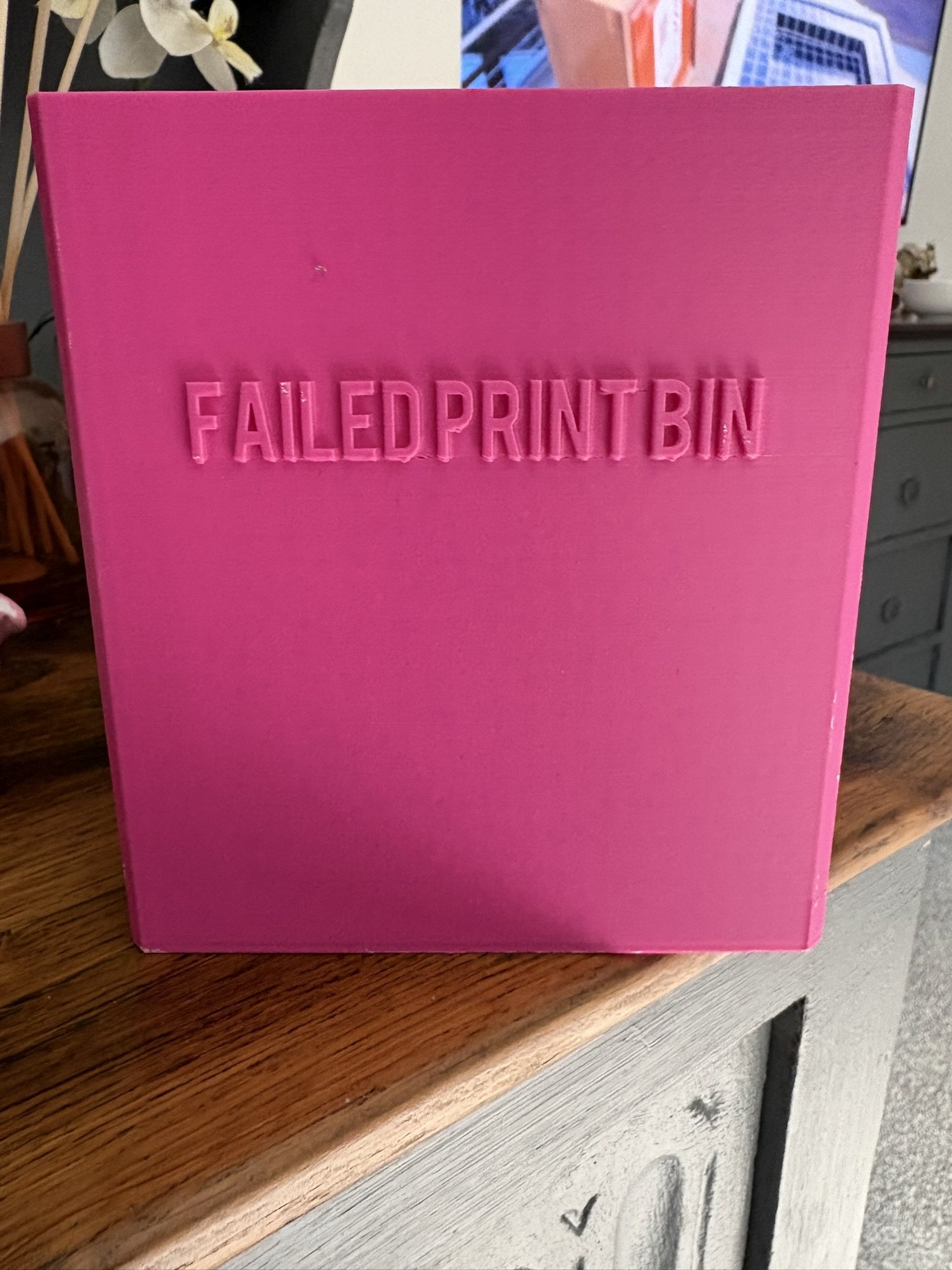
Ironically, one of the things that caused me the most trouble was the poop bin I mentioned above. It’s a fairly large model that loops around the back of the machine, and it failed three times before I eventually got it to print successfully. I still don’t really know why.
That’s one of the slightly frustrating sides of 3D printing. The P2S makes the process vastly easier, but it hasn’t completely eliminated the occasions where something goes wrong and you’re left wondering what actually caused it.
I don’t think it’s a universal problem with the printer, in most cases I could probably trace it back to bed cleanliness, filament condition or something I’d set up wrong. My own experience overall has been much closer to the positive end of that spectrum than the negative.
Software: brilliant for printing, much harder for creating
This is probably the biggest disconnect for me. The printer itself is ridiculously easy to operate, but actually designing something of your own is a completely different story.
If somebody else has already made what you want, it’s fantastic. The phone app makes it incredibly easy to browse through other people’s designs, find something you like and get it onto the printer. There are thousands of things available, which is partly why I’ve ended up printing such a ridiculous variety of stuff.
But I often have ideas for things in my head that I would genuinely like to make myself, and that’s where the easy experience suddenly stops. Designing your own 3D models properly still means learning CAD/design software, and I find that side of it complicated. I wish there were something much more intuitive, where I could take an idea in my head and turn it into a printable object without having to learn what feels like professional 3D design software first.
It’s an interesting weakness because it isn’t really a criticism of the P2S hardware at all. The printer is now considerably easier to operate than the software needed to create something original to print on it.
Phone app versus desktop
I like the phone app, but I also think it’s quite limited compared with using the desktop software. For finding an existing model, checking the printer and starting straightforward prints, the phone experience is great. When you want more control, make changes, or do anything more complicated, you end up needing the computer.
I’d like the mobile side to become much more capable, because the printer itself feels like something anybody could use, whereas some of the more advanced software still feels aimed at enthusiasts.
What I like most
The print quality is probably the biggest surprise. It’s extremely good. Even using the normal 0.4mm nozzle I’ve produced things where the amount of detail is genuinely impressive, which is why my 0.2mm nozzle is still sitting unused.
The other big thing is simply how useful the printer has become. I’ve made toys and novelty things, but I’ve also made organisers, containers, holders and completely bespoke objects to solve specific problems around the house. Once you start doing that, a 3D printer stops feeling like a toy.
What I’d change
If I could change three things, they would probably be:
- Make multicolour printing substantially quicker
- Reduce the amount of filament wasted during colour changes
- Make designing simple custom objects dramatically easier, particularly from a phone or tablet
The strange thing is that none of those complaints are really about basic print quality. That’s the part Bambu seems to have nailed.
I do wonder why the software inside the printer can’t look at what’s being printed and, instead of purging and changing colours, just cut and switch to the right colour at the right time. If you’re printing something with a blue and red filament, it already knows how much of each you’re going to use, so why not make it smarter: switch to the other colour on the fly so the colours butt right up against each other, with no purge and no wasted time?
Price
I paid £599 for the P2S Combo with the AMS 2 Pro while it was on sale. At £599 I’m very happy with what I got for the money. It’s obviously a substantial amount to spend on a 3D printer, particularly if somebody doesn’t know whether they’re going to use one very much, but I’ve used mine enough that it hasn’t felt like an expensive novelty. It’s become something I genuinely use around the house.
Overall
The best way I can describe the P2S is that the actual process of 3D printing has become almost boringly easy, and I mean that as a compliment. I don’t particularly want my hobby to be fixing, adjusting and calibrating a 3D printer. I want to make things. The P2S lets me concentrate on that.
There are definite drawbacks. Multicolour printing can take ages, the waste from colour changes can be ridiculous, I’ve had a handful of unexplained failed prints, the phone software isn’t as capable as I’d like, and creating your own models is nowhere near as accessible as printing somebody else’s.
But the actual results have been superb. Probably the biggest endorsement I can give it is the sheer number of things I’ve made. It didn’t become something sitting in the corner after the novelty wore off, I keep finding new uses for it. For me, that’s what makes the P2S impressive.